Building Smarter Terraces: A Custom WooCommerce Calculator That Does the Math
Custom WordPress plugin built for WooCommerce — enabling precise terrace planning, automatic material calculation, and Figma-accurate UI with seamless UX.

Overview

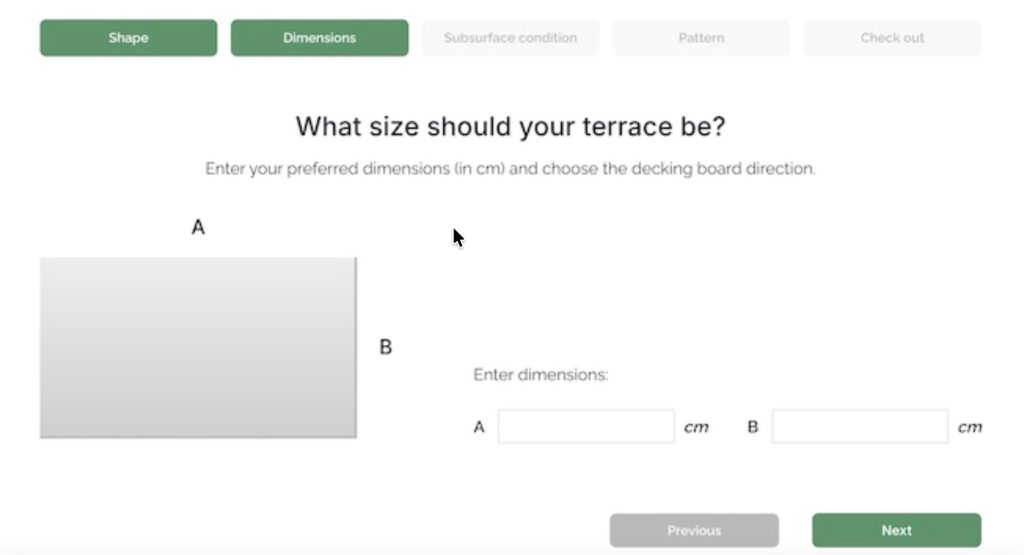
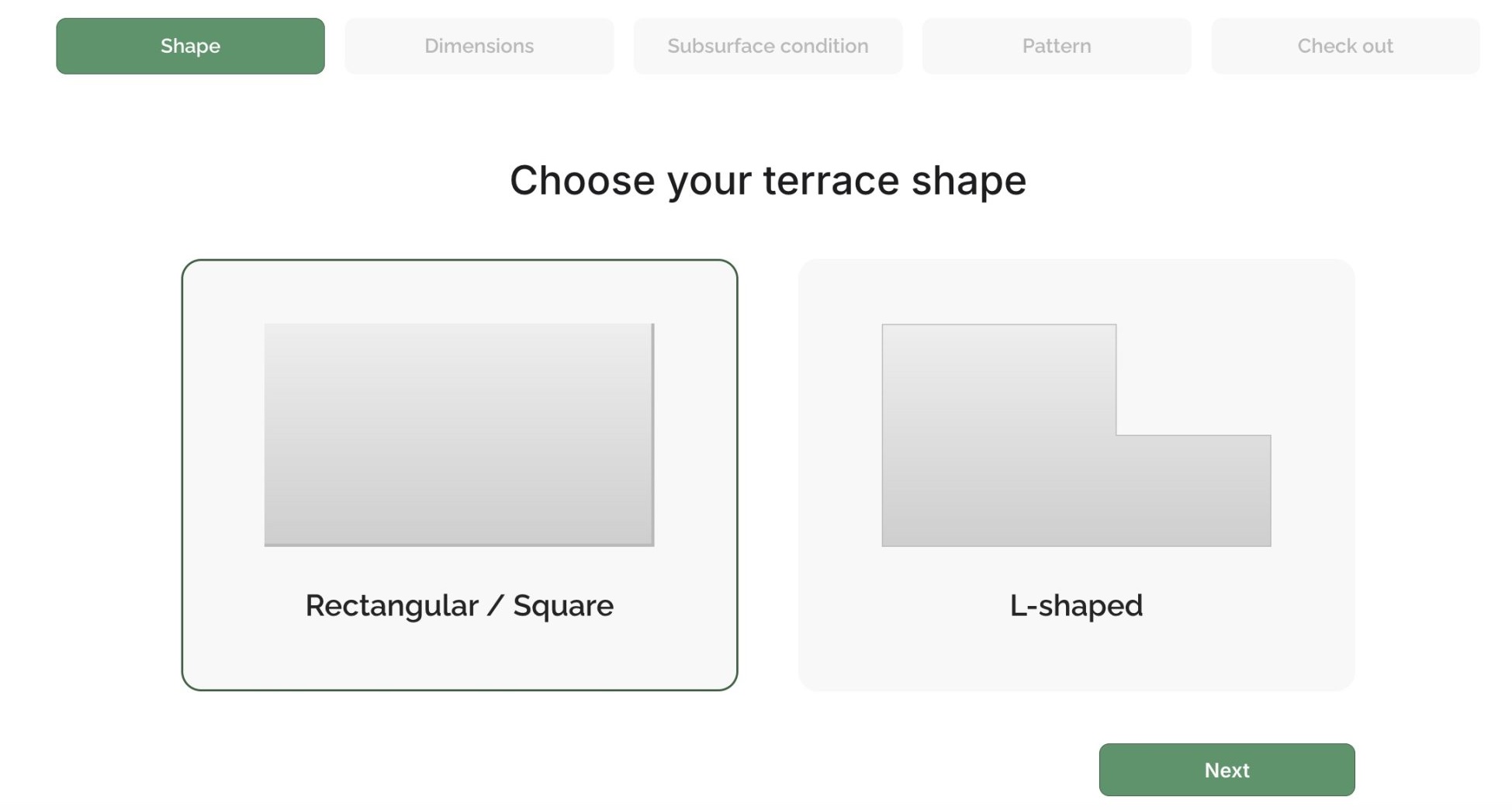
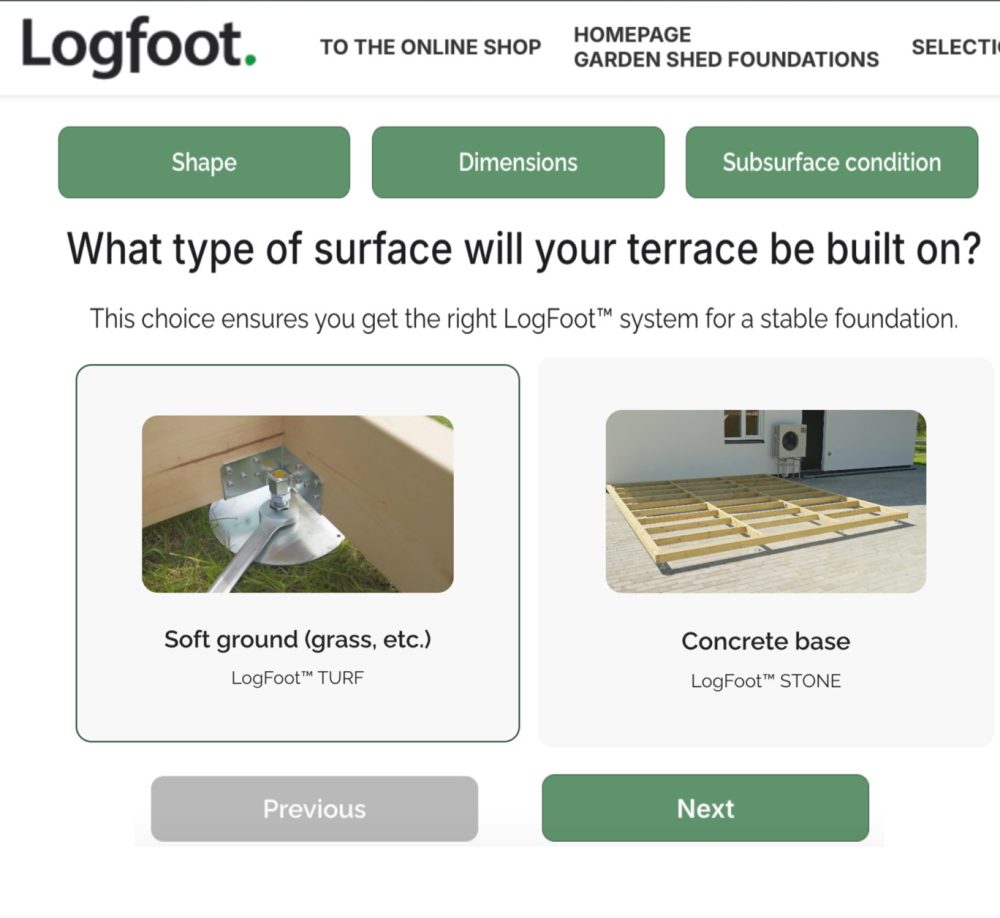
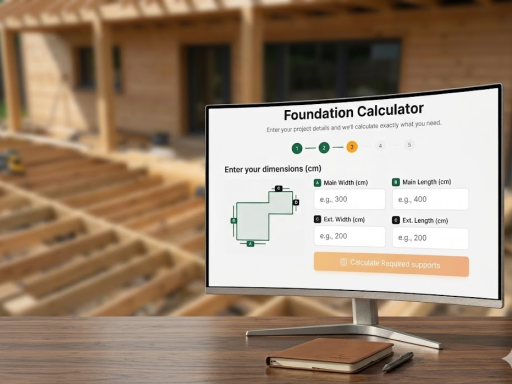
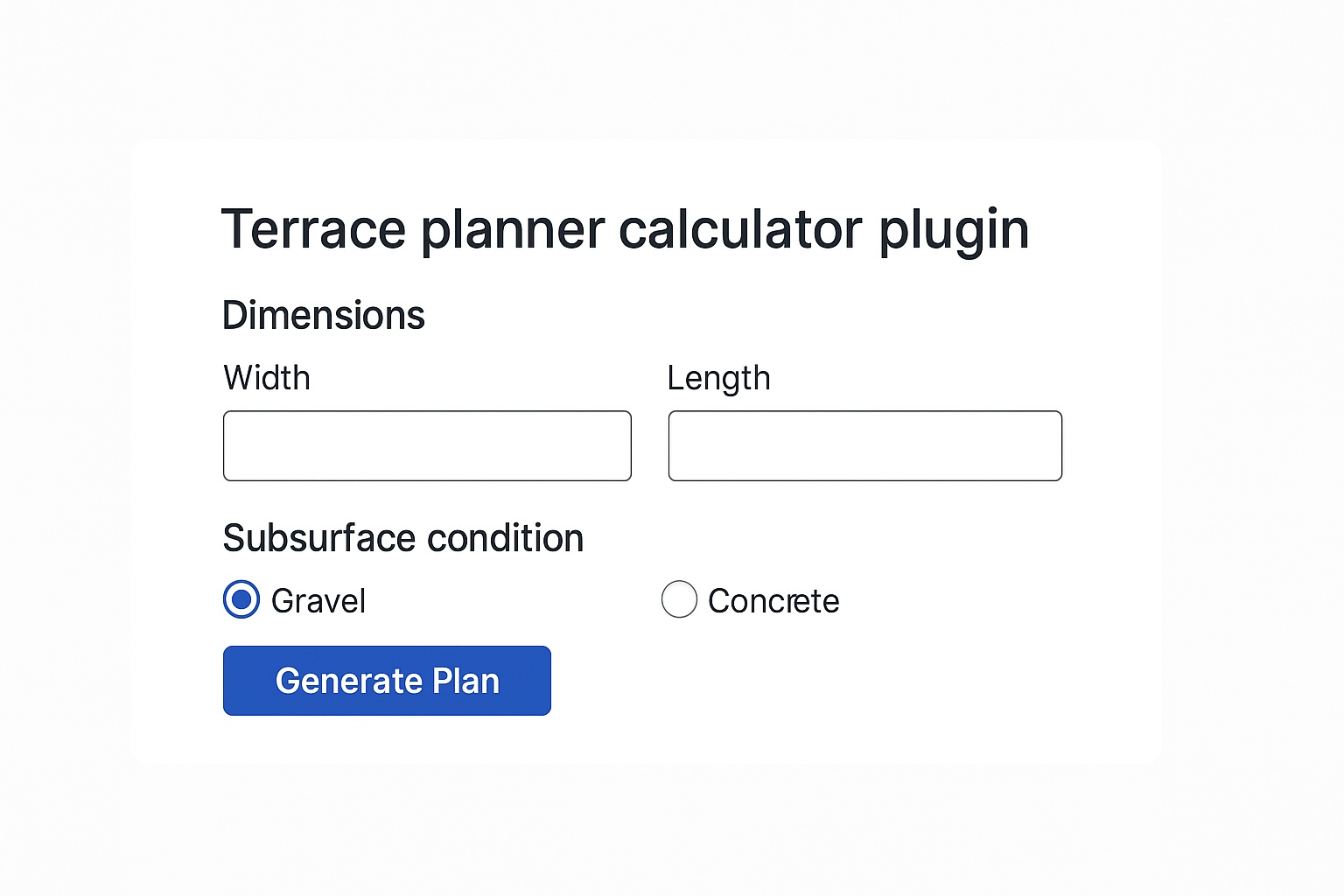
We began by outlining our standard workflow — starting with wireframes to confirm logic, steps, and UI structure. Once the approach was approved, the client provided a Figma design that fully represented the desired user experience. We analyzed the supplied formulas and clarified the calculation rules in detail. The plugin accepts inputs for terrace width (W) and length (L) in centimeters, with constraints of 150 cm maximum spacing for carriers and main beams, and 60 cm for cross beams.
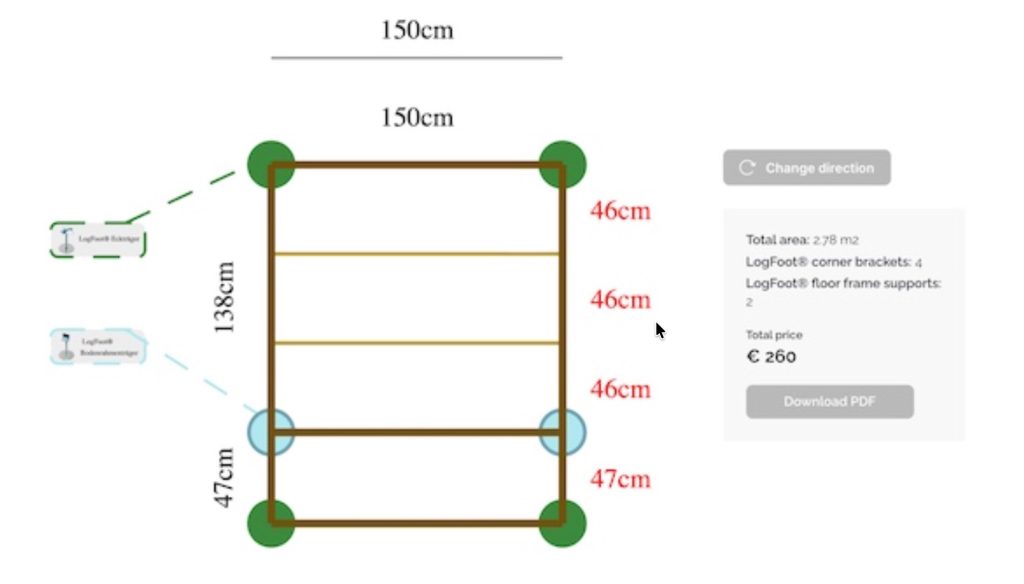
The logic follows a carriers-first approach:- Carrier columns across width (W):
intervalsW = ceil(W / 150), positions from 0…W with even steps. - Carrier rows along length (L):
intervalsL = ceil(L / 150), same rule. - Main beams: placed at carrier column X-positions.
- Cross beams: start at carrier rows; subdivide each gap so every cross-beam gap ≤ 60 cm.
Counts.
- Main beams =
intervalsW + 1 - Cross-beam rows ≈
ceil(L / 60) + 1(after subdivision) - Carriers (legs) =
(intervalsW + 1) × (intervalsL + 1)(every main-beam × carrier-row intersection)
Example (470 × 530 cm):
Across 470 → gaps 118, 118, 118, 116 → 5 main beams
Along 530 → gaps 132, 132, 132, 134 → 5 carrier rows
Cross-beam subdivision: for 132 → 44, 44, 44; for 134 → 44, 44, 46 (all ≤ 60).
Total carriers: 25 (5 × 5)

Challenges & Solutions
- Complex geometry: We adapted the formulas for uneven spacing while preserving calculation accuracy.
- WooCommerce integration: The plugin automatically adds the required number of terrace legs to the cart.
- PDF generation: A project summary can be downloaded immediately and is also sent via email after checkout.
- Design precision: Every interface element was implemented in line with the Figma prototype for a clean, intuitive user experience.
- Tight timeline: The project was delivered within approximately one week (30–40 hours).

Key outcomes

Work included:
- PDF generation (DOMPDF)
- WooCommerce add-to-cart hooks
- Admin settings (spacing, product IDs)
- QA scenarios & regression tests
- Wireframes & UX flows
- Figma-accurate UI implementation
- Calculation engine (PHP)
- Rule tuning & edge-case handling


Results
- Fully functional custom calculator plugin delivered on time.
- Accurate and reliable calculations with flexible geometry handling.
- Seamless WooCommerce integration (auto product calculation and cart update).
- Downloadable and emailed PDF summaries for each project.
- A smooth, visually consistent user experience matching the Figma design.

Next steps
Engineered logic = trusted results
Clear spacing rules, consistent carrier distribution, and mathematically precise calculations eliminate guesswork and ensure structural accuracy.
Every spacing value follows engineering constraints and real-world construction logic, so customers can trust the numbers.
By validating all inputs and edge cases, the calculator guarantees results that are both reliable for builders and practical for purchasing decisions — reducing uncertainty, support questions, and product returns.
Seamless UX = higher conversion
From entering terrace dimensions to adding all required components to the cart, the entire flow is intuitive and frictionless.
The calculator provides instant visual feedback, auto-generates a branded PDF summary, and lets users finalize purchases without leaving the same page.
This smooth, guided experience not only simplifies complex planning but also boosts engagement, shortens the decision path, and measurably improves conversion rates.