
In the previous part of our mini-trilogy on architecture, we figured out why premature transitioning to microservices can turn into a real “pain” for a startup and why a modular monolith remains your best friend at launch (if you want to dive into the details, read part one on monoliths vs. microservices and how to avoid fatal scaling mistakes).
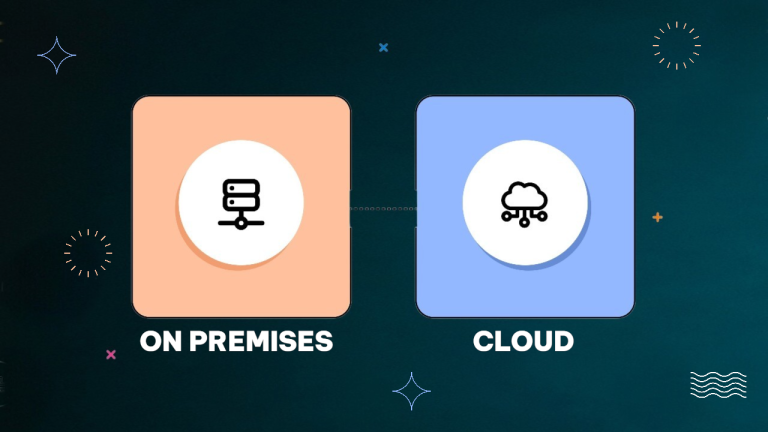
However, your product has grown, traffic is flowing, users are buying products, and a classic dilemma arises on the horizon: stay on your own hardware (On-Premise) or pack your bags and move to cloud solutions (AWS, Google Cloud, DigitalOcean)? Renting a physical server seems simple and straightforward. Suddenly, Black Friday hits, the server crashes under peak load, and the sysadmin manually reboots the “machine” in panic. Sound familiar? Let’s figure out when renting your own hardware slows down business, what cloud infrastructure actually is in practice, and how not to blow your entire budget on AWS bills.
Own Server vs. Cloud: Where Does Business Lose Money Most Often?
When a business is just launching, own or rented physical servers (Dedicated Servers) look attractive: a fixed monthly fee, full control over the hardware, and no surprises. However, Flexera State of the Cloud Report studies show an interesting figure: companies waste an average of up to 30% of their cloud budget due to inefficient management, but on “own hardware,” downtime losses during peak loads often hit the wallet even more painfully.
- What is On-Premise (own hardware): This is when you buy or rent a specific physical server in a data center.
- The pain: If your online store suddenly receives three times more orders (due to successful advertising or seasonality), your server simply “dies” from CPU or RAM overload. To add power, you need to buy new memory sticks or processors and physically travel to the data center. That means hours of downtime and lost money.
What Is Cloud Infrastructure and Why Is Everyone Rushing There?
Cloud Computing is a concept where you aren’t tied to a specific piece of metal in a server rack. You rent computing power “on the fly” from a giant like Amazon Web Services (AWS), Google Cloud, or Microsoft Azure.
Key business benefits of the cloud:
- Auto-scaling: This is what saves businesses during sales. If traffic grows, the cloud automatically spins up new virtual servers in seconds. As soon as the hype subsides, the system scales down power, and you don’t overpay for extra hardware.
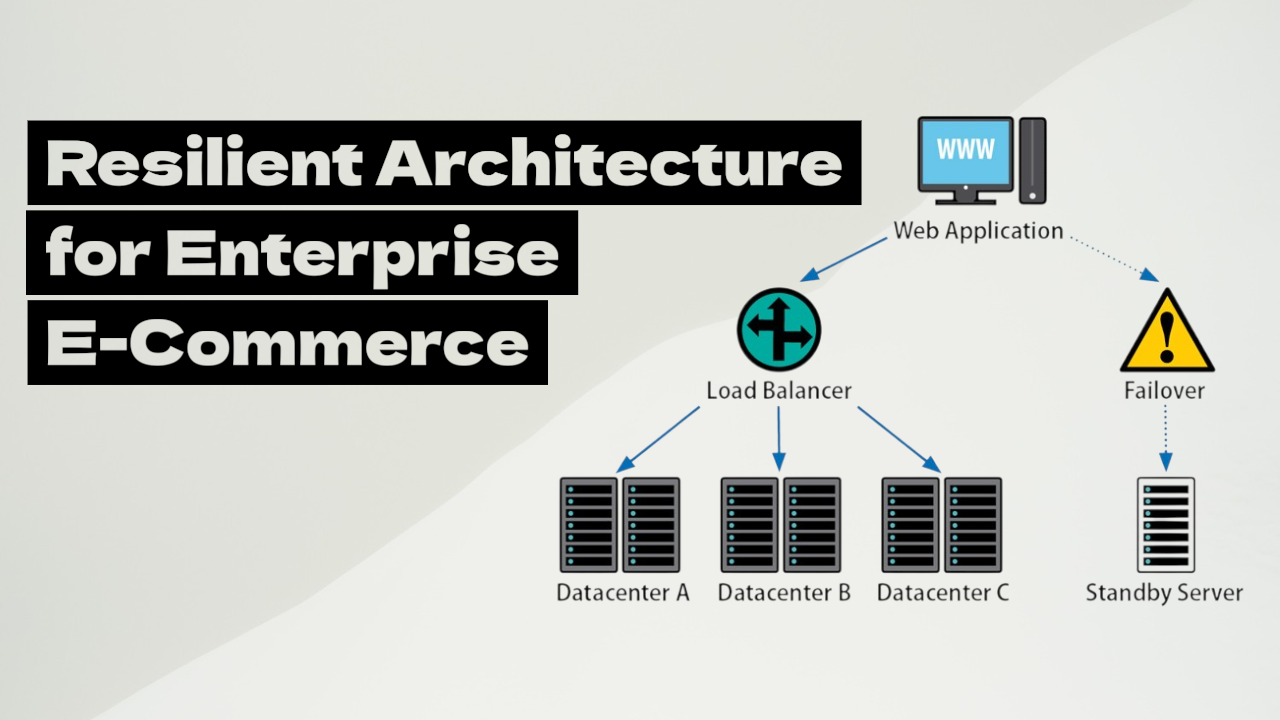
- High Availability: If one virtual server in the cloud “crashes” due to a data center failure, your application automatically and seamlessly switches to another node. The user won’t even notice the error.
- Configuration Flexibility: You no longer need to buy servers “with a margin” two years in advance. Pay strictly for the resources you use right here and right now (Pay-as-you-go).
When Is Moving to the Cloud a Necessity, and When Is It a Waste of Money?
There is no blind rule that “the cloud is always better than a physical server.” For some projects, moving to AWS will become an unnecessary luxury.
- When you should stay on your own server: If you have a stable, predictable project with an even flow of visitors (e.g., a corporate website or a stable local service) where load doesn’t spike multifold. In this case, renting a fixed Dedicated server will cost less than setting up complex cloud architectures.
- When the cloud becomes critically necessary:
- If your project is growing rapidly, and you physically don’t have time to buy hardware for new markets.
- If you have a seasonal business (e.g., a gift online store before New Year), where load increases 10–20 times over a few days.
- If your architecture is built on microservices (like in the NexusHealth case from the previous article), where dozens of isolated containers need to be flexibly managed and communicate with each other.
Risks of Cloud Migration: How Not to Go Bankrupt from AWS Bills
Moving to the cloud without a clear plan often ends with owners clutching their hearts over monthly invoices from Amazon.
- The main mistake: Simply “lifting and shifting” a monolithic site from an old server to a virtual machine in the cloud without adapting to cloud tools. In this case, you get all the minuses of a monolith plus more expensive rentals.
- The right approach (Cloud-Native): Fully utilize cloud services: Load Balancers, cloud databases (e.g., AWS RDS), and containerization (Docker and Kubernetes) for flexible resource management.
Moving to the cloud and launching microservices solve computing power issues. But what happens when the load becomes so frantic that even a flexible cloud starts lagging at the moment of checkout?
Ahead of us lies the final part of our trilogy, where we will move to the most interesting technical level—asynchronous architecture in e-commerce. We will show how tools like RabbitMQ turn a “heavy” checkout into an instantaneous transaction for the user, removing unnecessary strain from the backend.
And in the meantime…
Need Help with Cloud Architecture?
Design, security configuration, auto-scaling, and cost optimization on AWS, Google Cloud, or Azure are tasks that require deep technical expertise. If you feel your current server can’t handle the load or you want to safely migrate to the cloud without the risk of “breaking” the project, don’t waste time on experiments — leave a request here. Our engineers will help build a reliable, fast, and scalable infrastructure for your business!
And as always, we are happy to chat with you in the chatbot at the bottom of the page and on LinkedIn.