
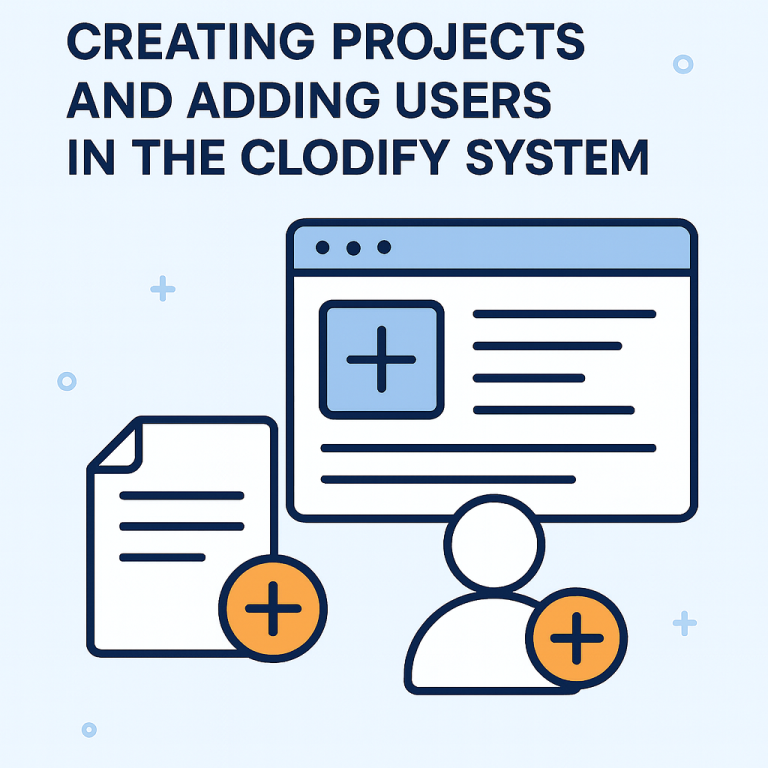
Efficient project management starts with clear structure and the right tools. The Clodify system gives admins the ability to quickly set up projects and onboard team members. In this article, we’ll go step by step through two core features: how to create a new project and how to add a new user.
📌How to Create a New Project
1. Log in as Admin
Start by logging in with your admin account.
2. Open the Projects Page
Go to Management → Projects and click on Create Project.
3. Fill in Project Information
- Project Name – for example, Test Project.
- Dates – set the start date (e.g., September 1). The end date can remain blank until confirmed.
- Status – choose from New, On Hold, In Progress, Done, or Cancelled.
4. Choose Project Type
Select whether the project is Hourly or Fixed Price.
5. Assign Customers and Developers
Add one or more customers, then select developers or other roles like sales and admin.
6. Define Invoice Receiver and Project Manager
- Pick the main invoice receiver from your customer list (e.g., Jessica Parker).
- Assign a Project Manager (PM) — this step is required before saving.
7. Save and Review
Click Save and the new project will appear in the Management Projects list. There you can see details such as status, start date, assigned developers, and clients.
📌How to Add a New User
1. Log in as Admin
Enter the system with your admin credentials.
2. Navigate to Users Page
Go to Management → Users and click Create User.
3. Provide User Details
Fill in the main information:
- Name (e.g., Test User)
- Company (e.g., Test Company)
- Salary (can be updated later if not known)
- Role (e.g., Developer)
- Employment Type
Optional fields include Slack username and phone number.
4. Save the User
Click Save to create the account. The user will appear in the list, and their profile can be edited at any time.
☞ By properly creating projects and adding users, you:
- Ensure every project has clear responsibilities.
- Keep financial and invoicing information structured.
- Make onboarding fast and simple for new team members.
💡With these tools, managing multiple clients and teams becomes much more efficient and transparent https://clodify.com/💡